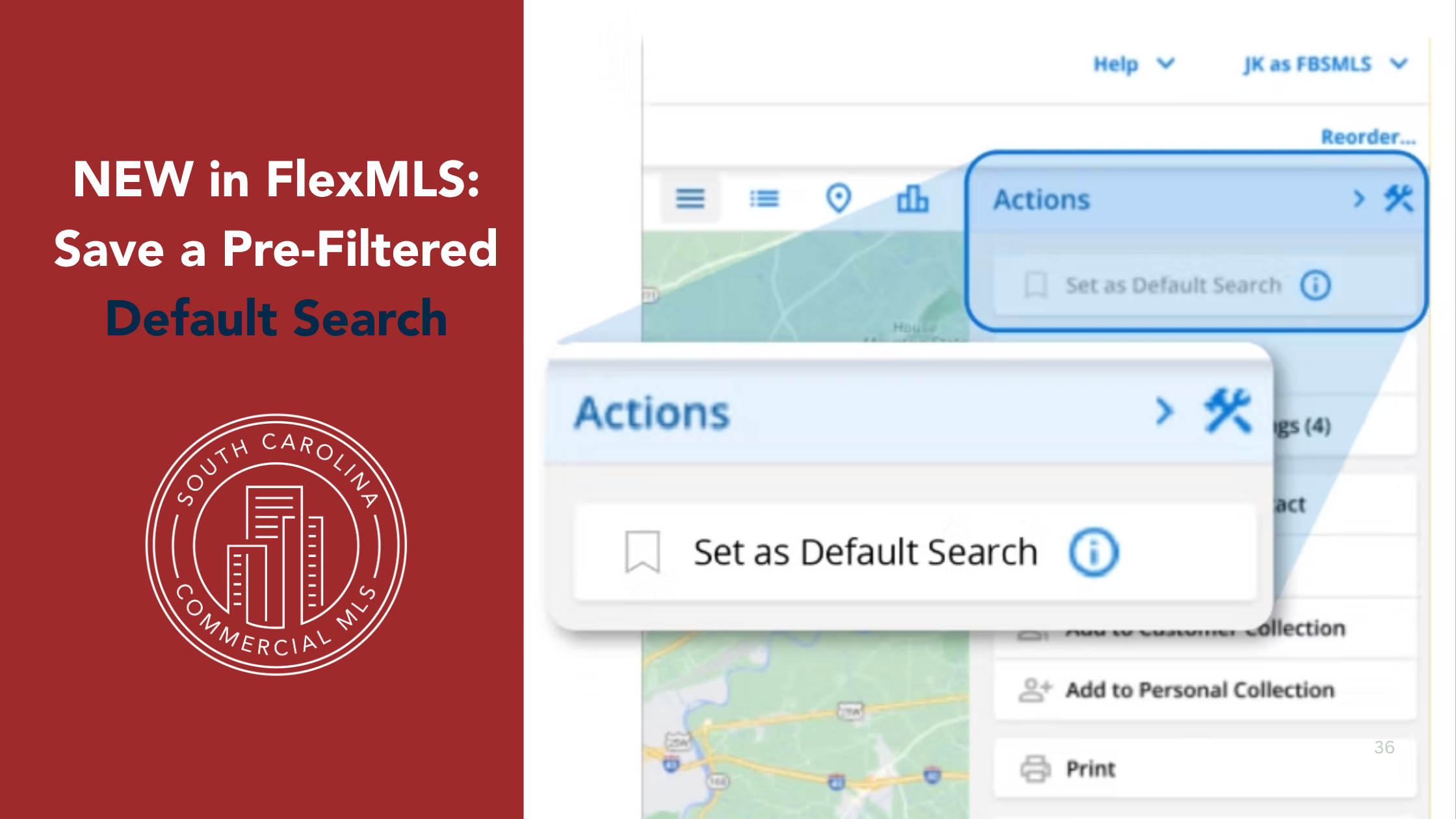
FBS Data is always working to save us time! Beginning May 11th, you’ll be able to save a filtered search as your default template.
If you regularly search within specific cities, counties, map drawn shapes, or ZIP codes, you can set those criteria once and have them applied automatically each time you start a search.
You can customize your default search using any combination of fields and filters. Plus, when searching, there is now a convenient “Reset Filters” button at the bottom, making it easy to start fresh whenever you need.
This default search option is different from saving a search template because in addition to saving specific fields, you can also save field data and set that as your default every time you run a new search. So now, for example, not only can you select the ZIP code field to always be visible in your search template; you can now also specify that ZIP code 12345 always be selected as part of a new search.
With this feature, you no longer have to reapply your filters and reenter your search criteria every time you run a search. If you always run the same type of search with the same field data selected, you can now run that search automatically, allowing you to more quickly and easily find what you’re looking for.
HOW TO USE IT
When you apply your search filters and enter your search criteria, you can select the Set As Default Search option to save that specific search as your default search any time you search.
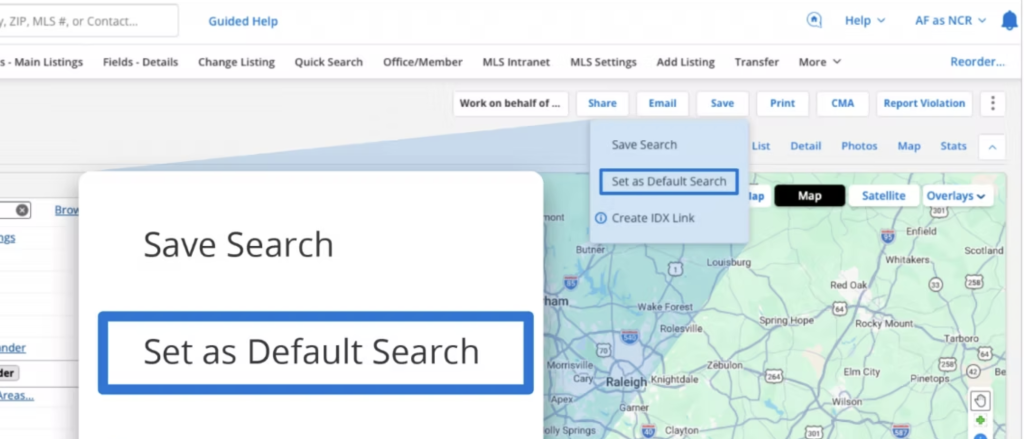
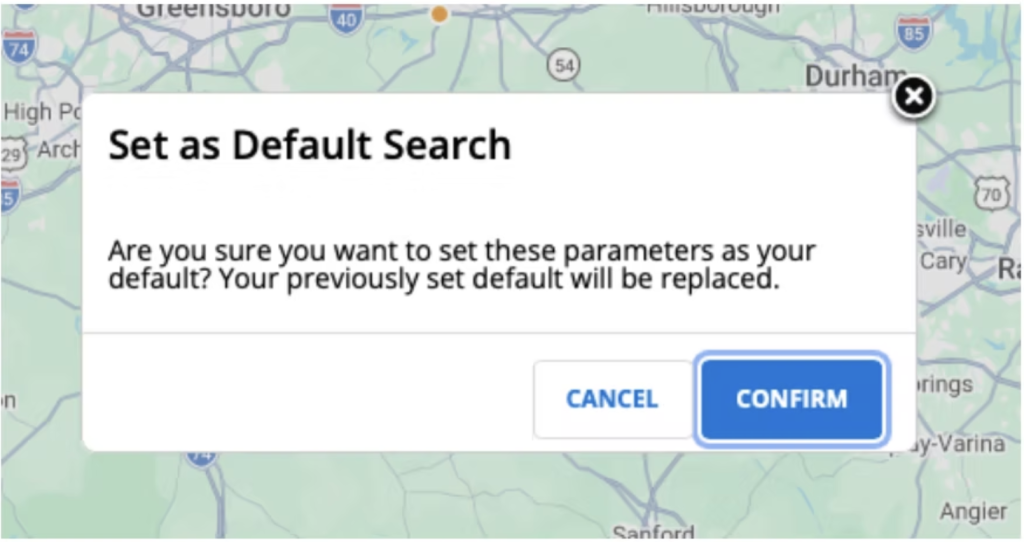
To save a default search, go to Save > Set as Default Search > click Confirm. When you switch between Quick Search templates, your saved filters will remain. Only fields that do not apply to a search template will be dropped.
The Reset Filters button clears any saved field level criteria.
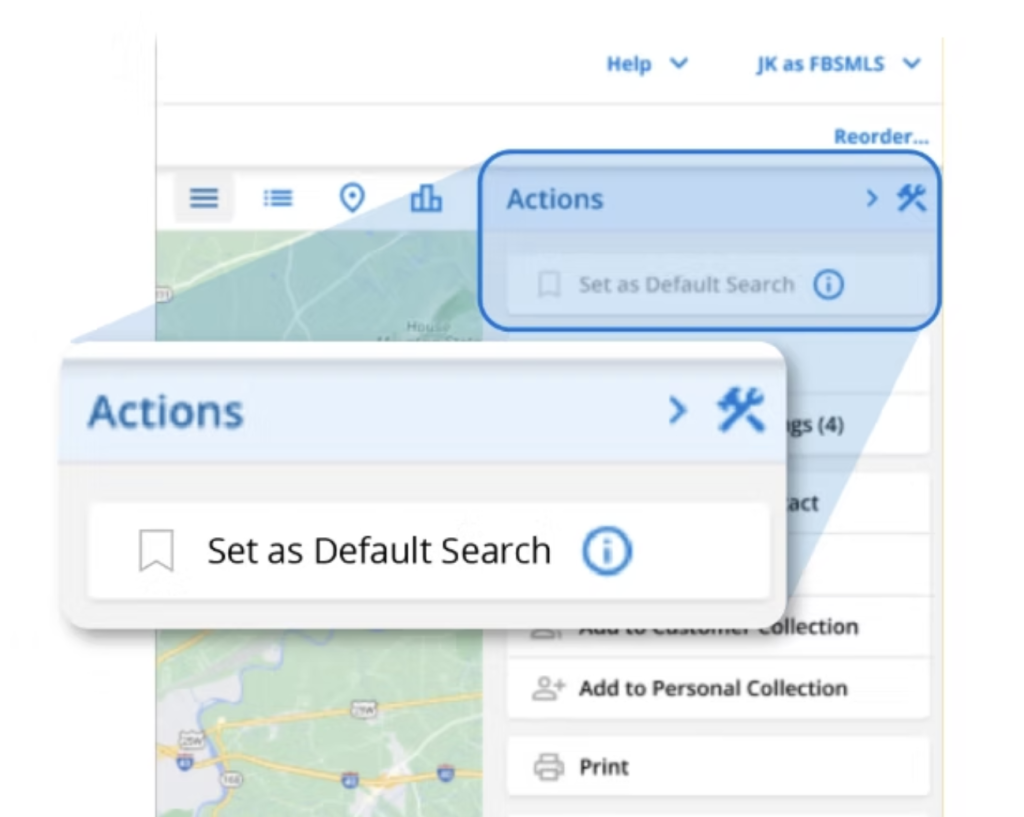
The Set As Default Search button is also available on the iOS and Android app, as well as Flexmls mobile web, in your Actions panel. Any saved prefiltered search on desktop will automatically be carried over and applied on mobile. When running a location-based search on mobile, that search will disable any pre-filtered default search fields.