Public documents on a listing will now automatically be included when you share a listing.
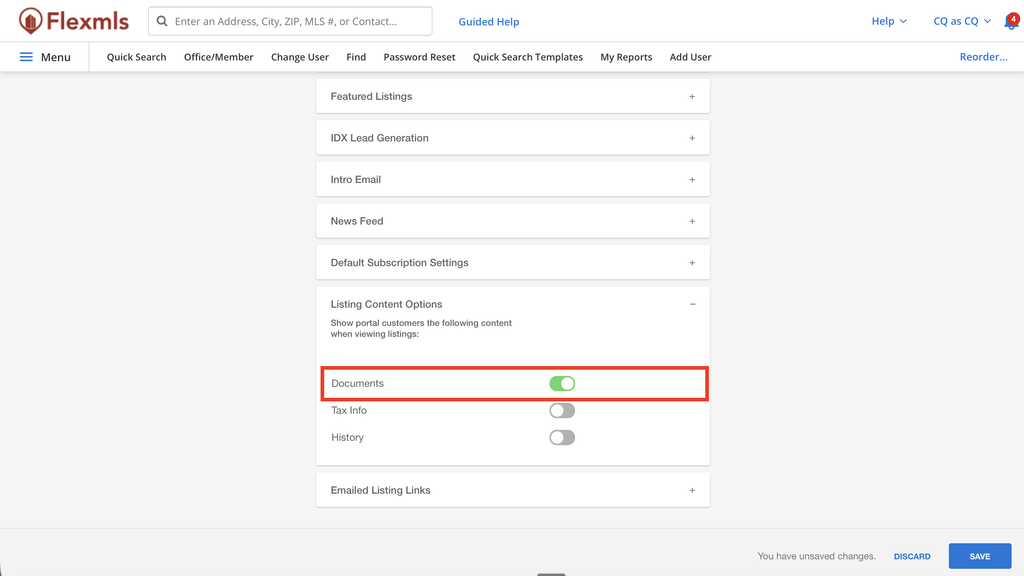
Previously, this was possible but it was not the default behavior. As seen in the setting below, you can choose to have your Listing Content setting for Documents set to on or off. All users’ settings here are now set to ON.
We want to make it easier to share the listing content you rely on. We heard that the public documents are vital to have at hand when you share listings, and we agree! Now, no need to adjust your own setting first. The default behavior is set.
If you would like to adjust this setting, navigate to Menu > Preferences > Portal Preferences > Listing Content Options and click the toggle to on.
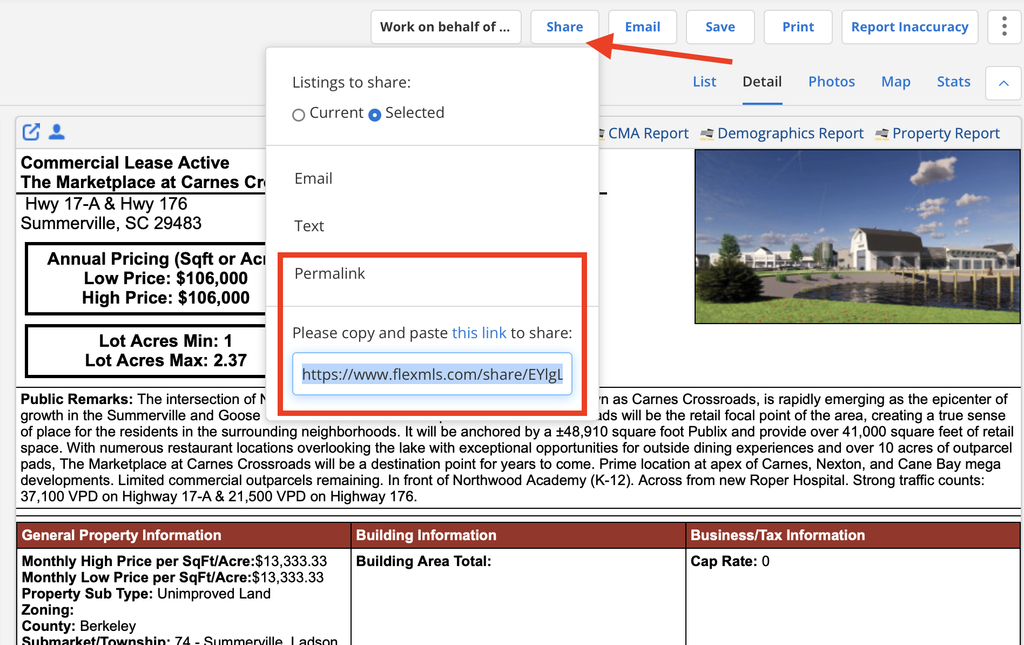
Now, easily share all aspects of the listing with the permalink, which will INCLUDE PUBLIC DOCUMENTS by default. The other share methods will work, too, we just see the permalink used most.
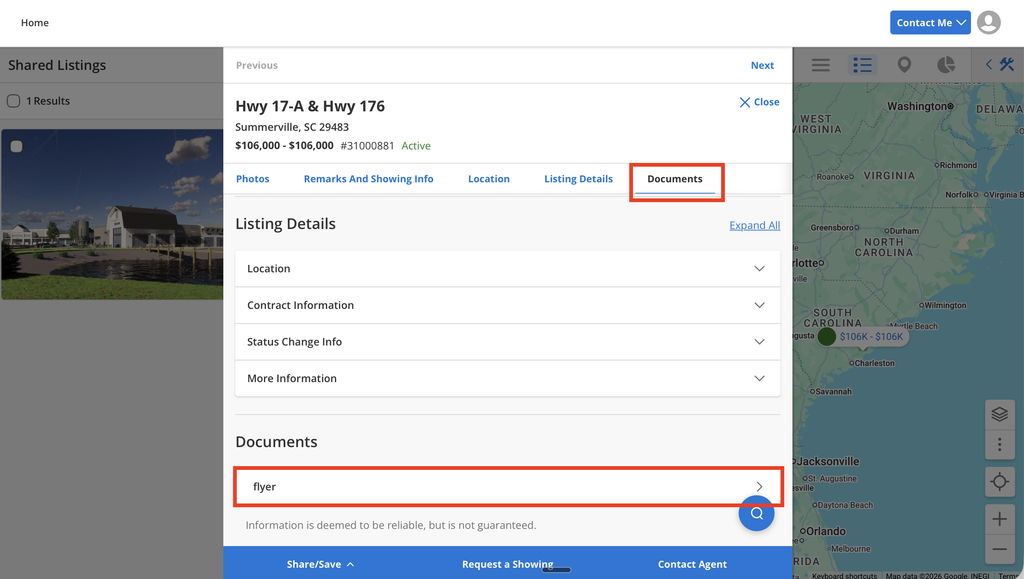
This is where you will find the Documents once you’ve shared a permalink.